A useful redesign conversation does not start with choosing a color. It starts with what the website needs to do for the business. A little preparation helps us spend that conversation on the decisions that will actually shape the build.
Name the problem in plain language.
Tell me what feels difficult today. Customers cannot find the menu. You answer the same service questions on every call. Updating the homepage means asking someone to edit code. The mobile store is hard to browse. These descriptions are more useful than asking for a website that simply looks modern.
Then choose the most valuable visitor action. It could be a call, an order, a booking, or a qualified enquiry. There can be supporting actions, but agreeing on the main one makes the later design choices easier to assess.
Bring the things that are already yours.
Your current website, logo files, product photography, business details, and service descriptions give the project something real to work with. They do not have to be perfectly organized. It helps to know what exists, what is approved, and what needs to be created.
- Your current URL and any pages you want to keep.
- A short list of services or product categories.
- Your preferred contact details and the next step customers should take.
- Two or three websites you like, with one specific reason for each.
- Any booking, ordering, payment, or inventory tools the website needs to connect to.
Talk about the site after launch.
Who will update the hours? How often do products or services change? Do you need to publish articles yourself? A site that changes once a year has a different editing need from a store with frequent promotions. The maintenance plan should follow that reality.
Separate the setup work from ongoing care and outside costs. Domain registration, platform subscriptions, paid apps, and usage fees should be clear before a quote is accepted. A starting price is useful only when you can see what the scope includes.
Use the first direction to make a decision.
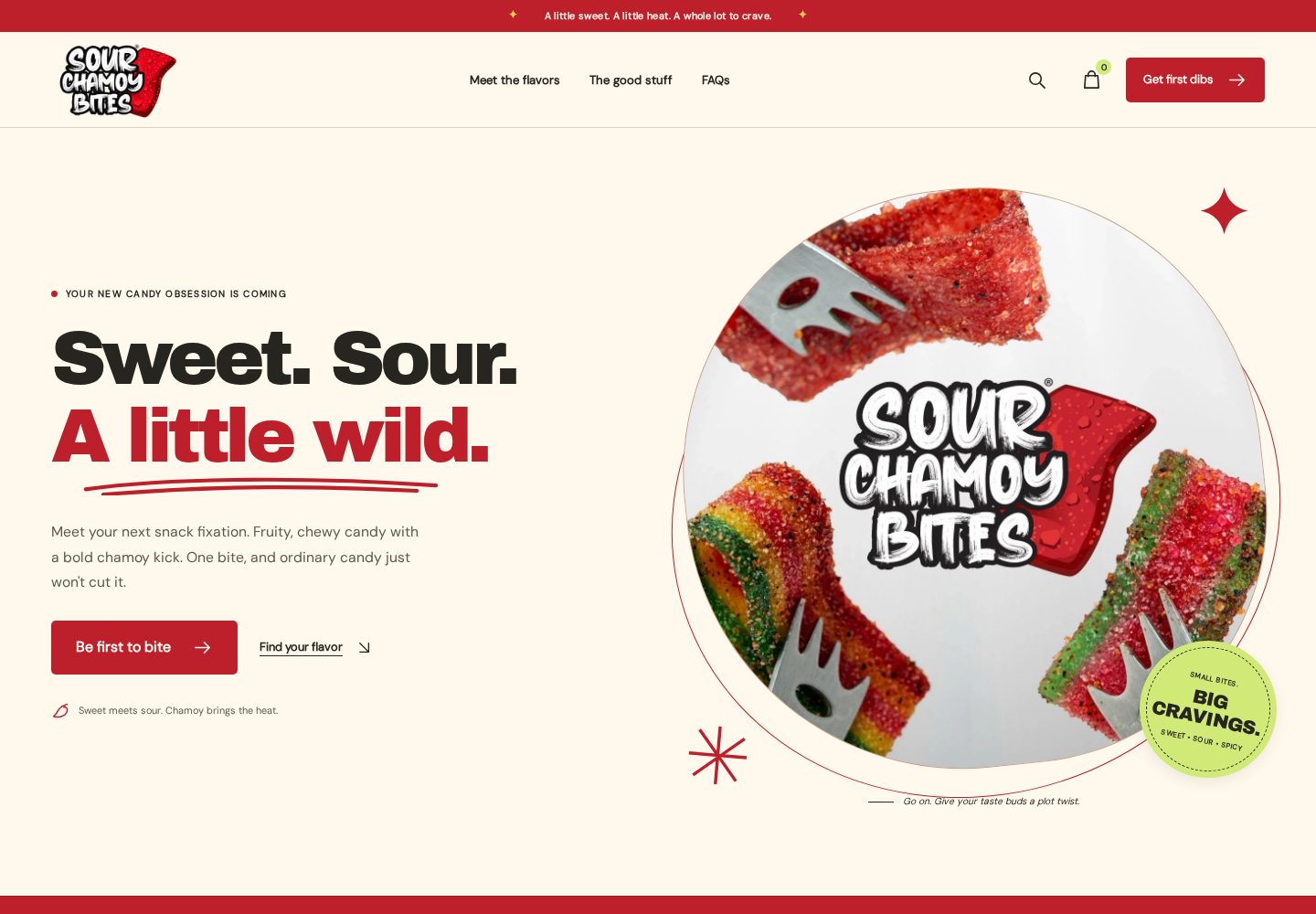
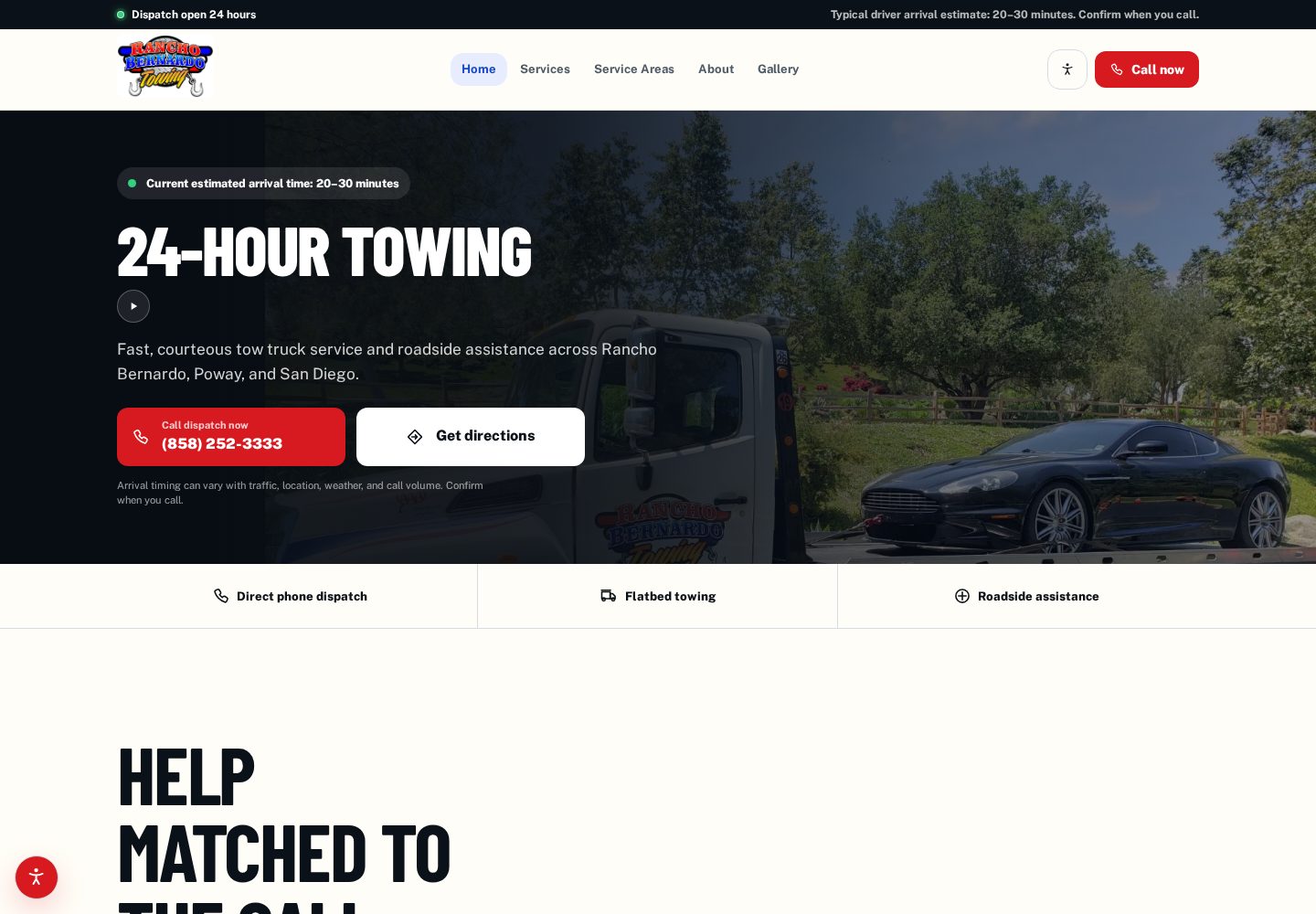
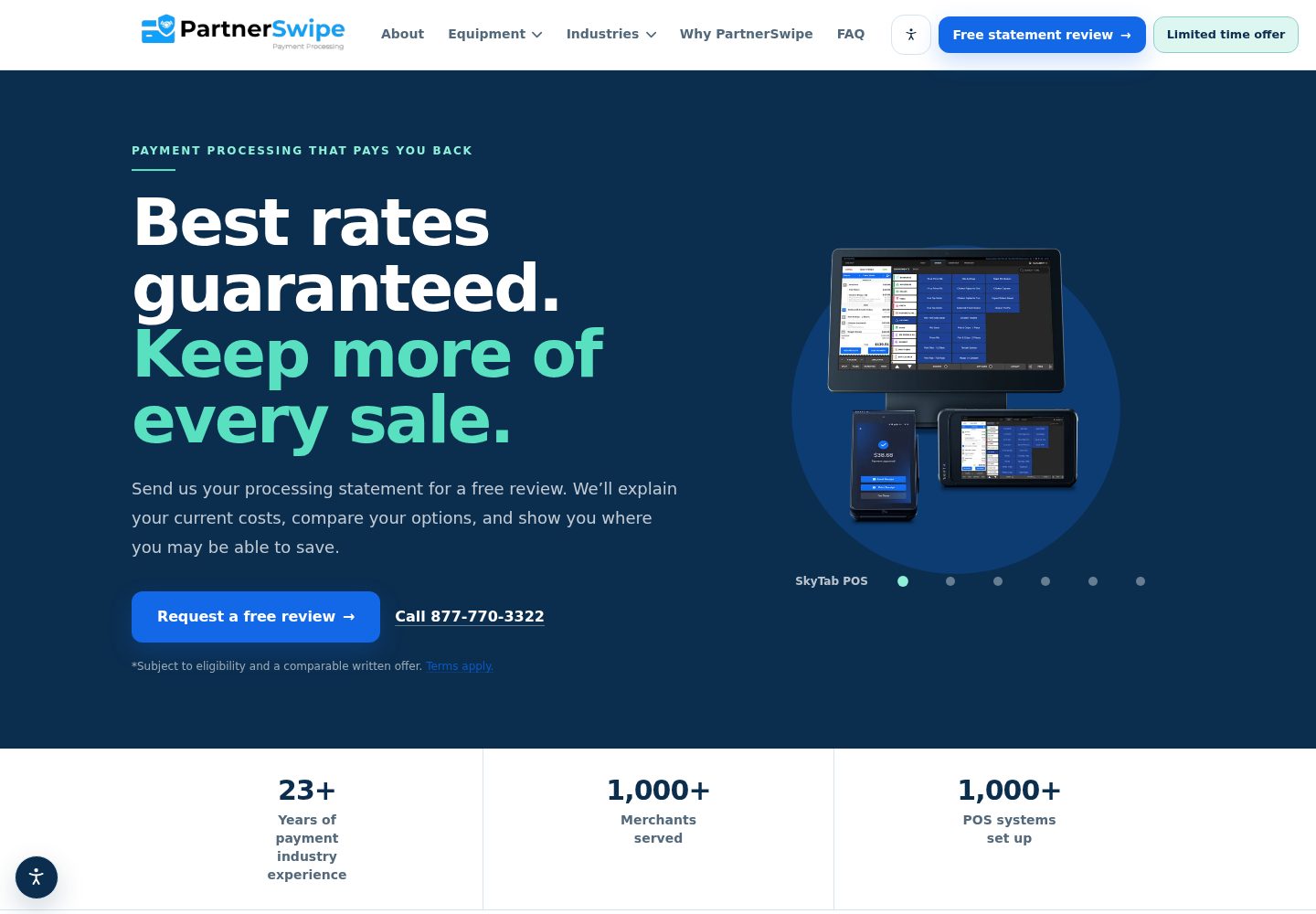
At BarbaroTech, the free custom demo lets you react to a direction before moving forward. It gives the conversation a concrete page and a visible hierarchy. The useful feedback is about what the page makes clear, what it leaves out, and whether it feels right for your customers.
You do not need every answer before getting in touch. Send the business, the current site if you have one, and the goal. From there, we can decide on a sensible starting scope together.